
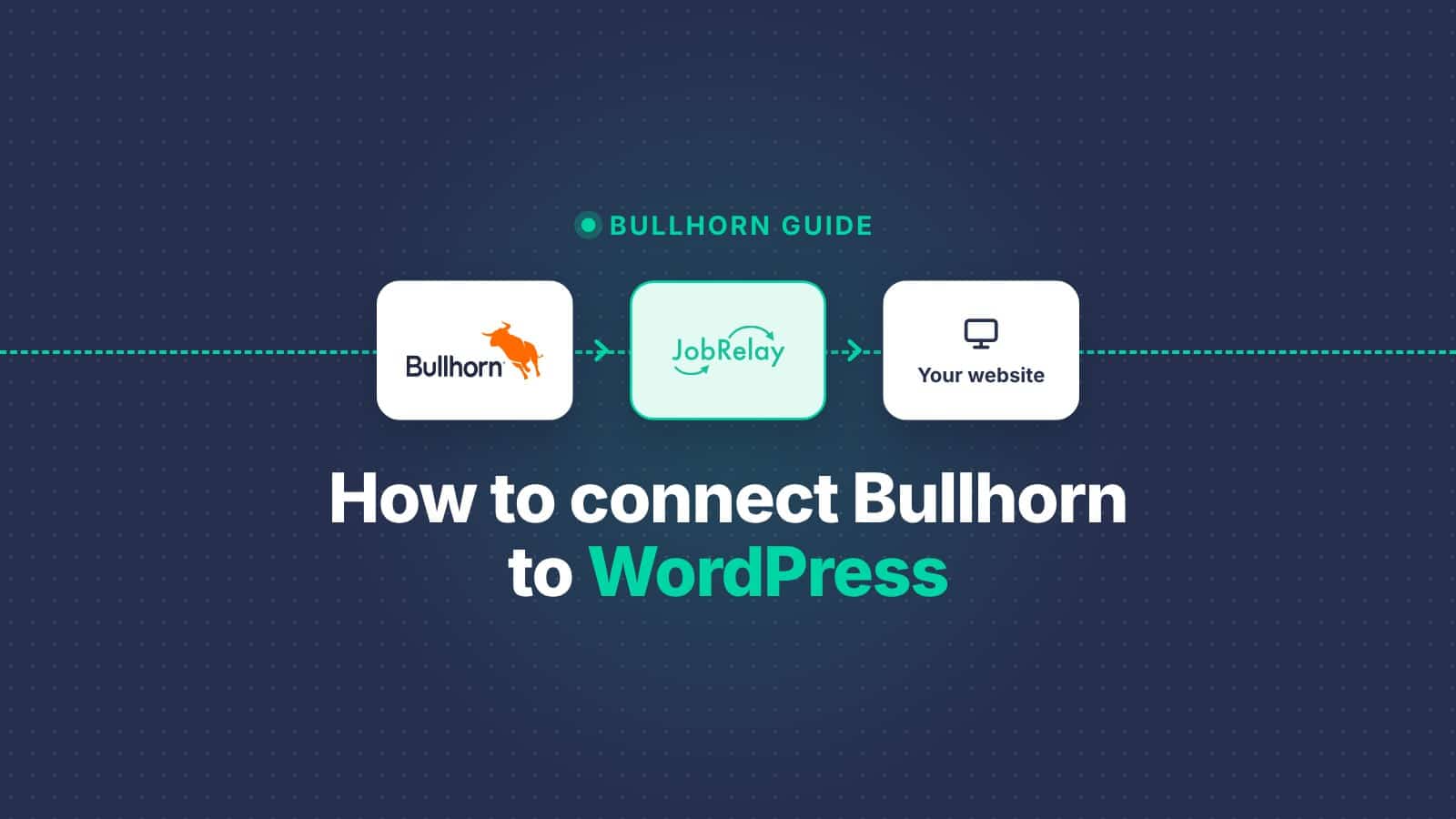
A Bullhorn website integration publishes the jobs in your Bullhorn account to your own website automatically, keeps them up to date and removes them when they close. On WordPress, JobRelay does this with no custom development. It checks Bullhorn as often as every 30 minutes, saves each job as a native WordPress post, and costs £49 a month.
This guide covers your options for connecting Bullhorn to WordPress, how to set it up in five steps, and what happens once it’s live.
What a Bullhorn website integration should do
Whichever route you take, a good integration does four things:
- Publishes new Bullhorn jobs to your website, without anyone copying and pasting.
- Updates a job on your website when it changes in Bullhorn.
- Removes filled and closed jobs, so candidates don’t apply for roles that no longer exist.
- Gets applications back into Bullhorn, so consultants work in one system.
If it also puts each job on a real page on your own domain, those pages can rank in Google and appear in Google’s job search.
Your options for connecting Bullhorn to WordPress
There are four common ways to get Bullhorn jobs onto a WordPress website.
| Option | How it works | Effort | The catch |
|---|---|---|---|
| Copy and paste | Someone re-creates each job in WordPress by hand | Staff time for every new job and every change | Closed jobs get left online, and the website falls behind Bullhorn |
| Embedded careers portal | Jobs are shown in an iframe, widget or separate app | Little setup | Jobs don’t live on your website, so they look different and do little for your SEO |
| Custom API integration | A developer writes code against Bullhorn’s REST API | Weeks of developer time, then ongoing maintenance | You own the code, so every Bullhorn or WordPress change is your problem |
| A plugin such as JobRelay | Fetches jobs from Bullhorn on a schedule and saves them as WordPress posts | Set up for you, from £49 a month | A monthly fee rather than a one-off build |
For most agencies the real choice is between a custom build and a plugin. A custom build gives you full control, but it needs someone to maintain it for as long as you use it. A plugin costs a fixed monthly fee, and keeping it working is someone else’s job.
How to connect Bullhorn to WordPress in 5 steps
With JobRelay, our team does most of the work, so you don’t need a developer.
- Buy a JobRelay licence. One licence covers one WordPress website, with unlimited jobs. See pricing.
- We install the JobRelay connector on your WordPress site. It works with WP Job Manager, RecPress, a custom post type for jobs or a bespoke build. If you don’t have a job board yet, we can provide RecPress.
- Give us access to the Bullhorn API. We’ll tell you exactly what we need. If you’d rather not set it up yourself, we can log in to your Bullhorn account and do it for you.
- We map Bullhorn’s job fields to your website. Fields, including any custom fields you use in Bullhorn, are mapped to your job post type’s fields and categories. See field mapping.
- Choose how often JobRelay checks Bullhorn, then go live. Pick every 30 minutes, or every 1, 4 or 12 hours. You can test everything on a staging site first, as long as it uses HTTPS.
Nothing needs to change in Bullhorn itself. Your consultants keep working exactly as they do now.
What happens once it’s live
- New jobs appear on your website at the next check.
- Changed jobs are updated at the next check.
- Closed jobs drop out of the list JobRelay fetches from Bullhorn, and the next check removes them from your website.
- Applications go straight from your website into Bullhorn. Candidates’ personal data never passes through JobRelay.
- Consultant details can be added to each job, so candidates know who they’ll be speaking to. See consultant data.
Will Bullhorn jobs on WordPress help your SEO?
Yes, as long as each job is a real page on your own domain. An embedded portal shows your jobs on someone else’s page, so it does little for your website’s search rankings.
JobRelay saves every Bullhorn job as a native WordPress post. Google for Jobs adds Google’s job markup to each one, so your jobs can appear in Google’s job search. Google Indexing tells Google the moment a job is added, updated or removed, so new jobs show up sooner and closed ones drop out faster.
How much does a Bullhorn WordPress integration cost?
JobRelay costs £49 a month or £419 a year per WordPress website, with unlimited jobs. Setup, support and maintenance are included, and we keep the integration working as Bullhorn and WordPress change.
A custom integration is usually quoted as a one-off build, plus developer time every time something changes. Before you commission one, ask who will maintain it in two years’ time.
Bullhorn WordPress integration FAQs
No. We handle the installation, field mapping and connection to Bullhorn for you.
At the next check. You choose how often JobRelay checks Bullhorn: every 30 minutes, or every 1, 4 or 12 hours.
Yes. JobRelay works with WP Job Manager, RecPress, custom post types for jobs and bespoke WordPress builds.
When a job is closed in Bullhorn, it drops out of the list JobRelay fetches, and the next check removes it from your website.
No. Applications go directly from your website to Bullhorn, so candidates’ personal data never passes through JobRelay.
Yes, as long as the staging site uses HTTPS and meets the other technical requirements. When you go live, we update the website address in JobRelay.
Want to see it working with your Bullhorn account? Book a free consultation call and we’ll talk through your website and setup, or read more on the Bullhorn integration page.
