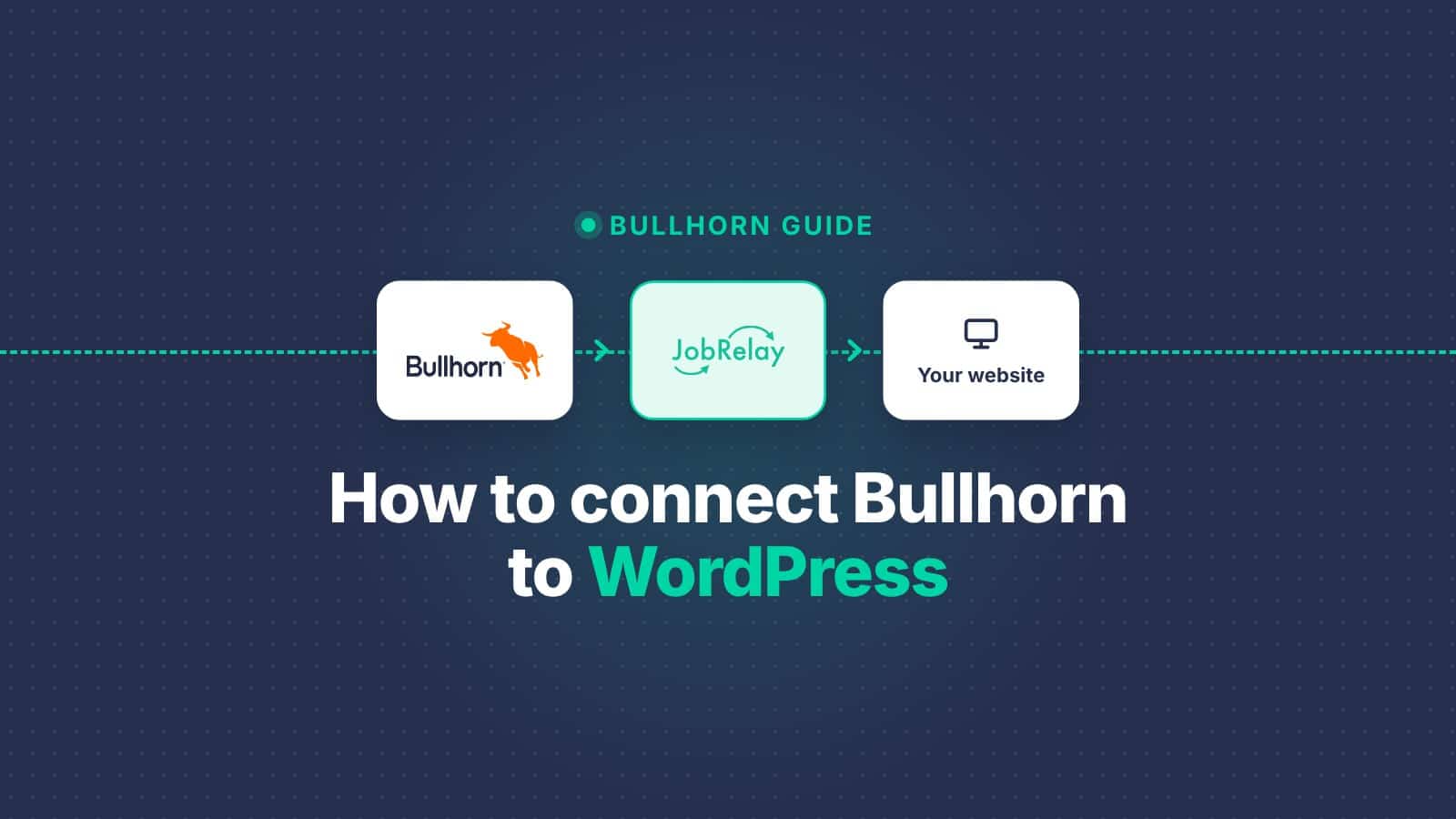
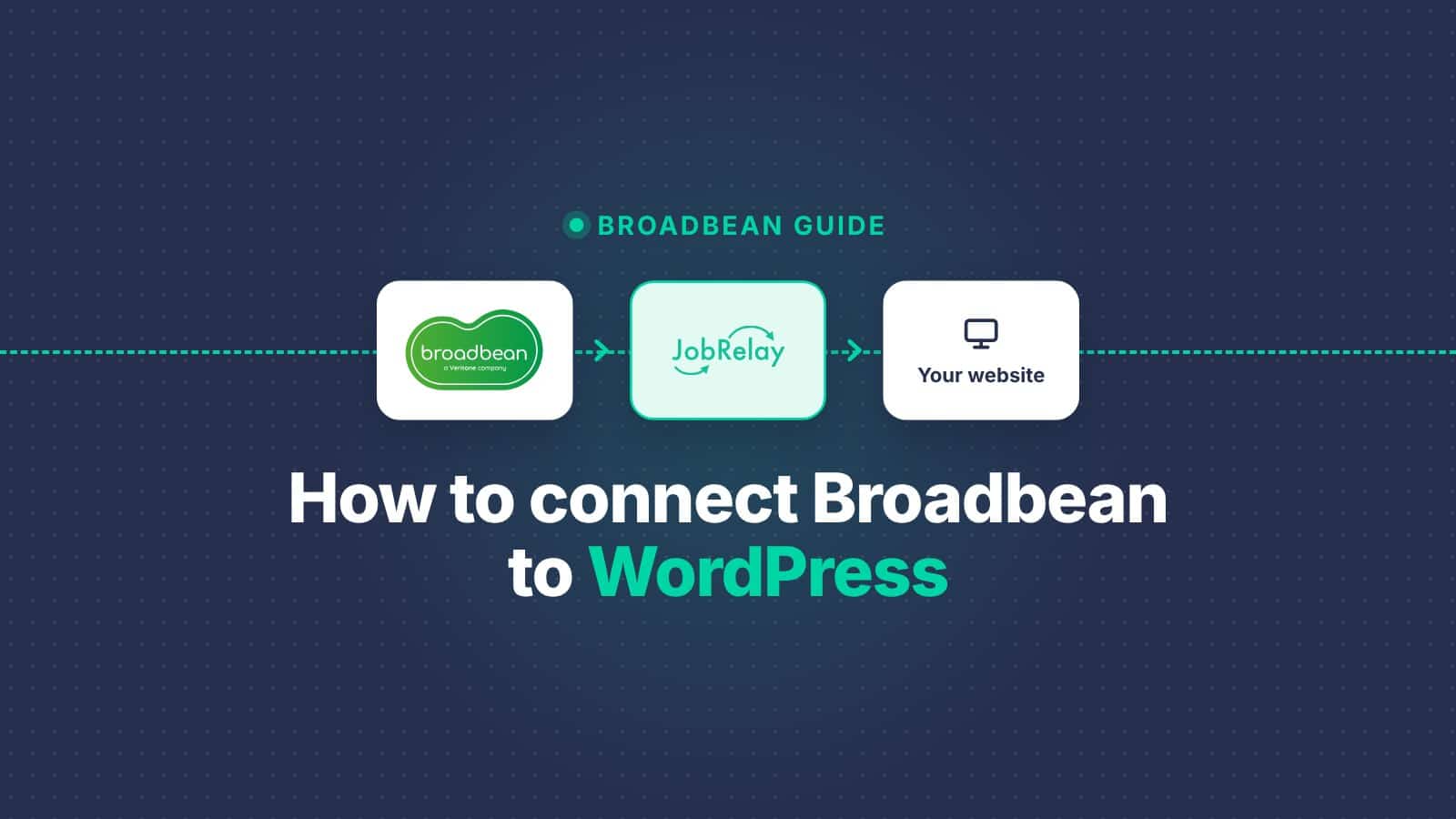
A Broadbean integration lets you post jobs to your WordPress website the same way you post to job boards: choose your website as a destination in Broadbean, and the job goes live. JobRelay is a WordPress destination built into Broadbean. Jobs arrive in near real time, applications go back into Broadbean, and setup typically takes under 14 days.
Broadbean is now part of Veritone, so you may also see it called Veritone Hire. The integration works the same way under either name.
Why connect your website to Broadbean?
Most agencies already post every job through Broadbean, but their own website is the one destination left out. That means jobs get copied across by hand, or never make it onto the website at all. Connecting the two fixes that:
- Post once, everywhere. Your website gets the job at the same moment as the job boards, with no copying, pasting or reformatting.
- Your website is never out of date. Filled roles come off automatically, so candidates don’t apply for jobs that have closed and lose trust in your site.
- More direct applicants. Candidates who find you through Google, LinkedIn or your own marketing can apply on your website, without a job board in the middle.
- Every application in one place. Website applications land in Broadbean beside those from the job boards, so consultants don’t have to check a separate inbox.
- Better reporting. Your website shows up as a candidate source in Broadbean, so you can compare it with the job boards you pay for.
- Jobs that help your search rankings. Each job becomes a real page on your own domain, which builds your website’s authority and can appear in Google for Jobs.
How a Broadbean website integration works
Broadbean is a multiposter. You write a job once and choose the job boards it goes to. With JobRelay, your own website becomes one more destination on that list.
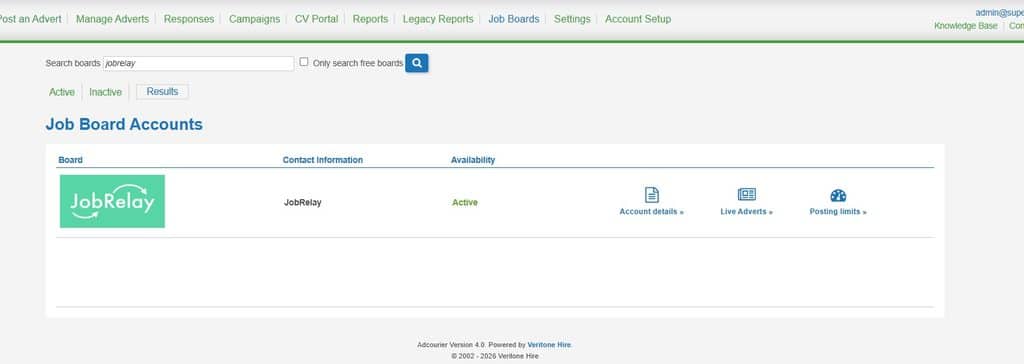
- Create and manage your jobs in Broadbean as usual, with JobRelay selected as a destination.
- Broadbean pushes each job to JobRelay in near real time. There are no scheduled imports.
- JobRelay saves the job on your website as a native WordPress post.
- Edit or remove the job in Broadbean and your website updates automatically.
Because Broadbean pushes jobs as you post them, a new job can be on your website within moments of being posted to the job boards.
Your options for connecting Broadbean to WordPress
| Option | How it works | Effort | The catch |
|---|---|---|---|
| Copy and paste | Someone re-creates each job in WordPress by hand | Staff time for every new job and every change | Filled roles get left online, and applications from the website aren’t tracked in Broadbean |
| A custom-built destination | Your developer builds code that receives jobs from Broadbean, and Broadbean sets it up as a destination | Weeks of developer time, a Broadbean fee and ongoing maintenance | You own the code, so every Broadbean or WordPress change is your problem |
| JobRelay | A WordPress destination already built into Broadbean | Set up for you, from £49 a month | A Broadbean fee to turn it on, though it’s lower than for a custom destination |
Both routes that connect properly need Broadbean to turn on a destination for your account. The difference is whether you also pay for, and look after, the code on the WordPress side.
How to connect Broadbean to WordPress in 5 steps
Our team handles installation, field mapping and the conversation with Broadbean’s integration team, so you don’t need a developer.
- Buy a JobRelay licence. One licence covers one WordPress website, with unlimited jobs. See pricing.
- We install the JobRelay connector on your WordPress site. It works with WP Job Manager, RecPress, a custom post type for jobs or a bespoke build. If you don’t have a job board yet, we can provide RecPress.
- We map Broadbean’s job fields to your website. Fields, including any custom fields you use in Broadbean, are mapped to your job post type’s fields and categories. See field mapping.
- Broadbean turns on JobRelay as a posting destination. We make the request with you and deal with Broadbean’s integration team.
- Post your first job. Choose JobRelay as a destination and the job appears on your website straight away.
The typical timescale is under 14 days from your integration request to Broadbean to jobs on your website. Most of that is Broadbean’s side. Your WordPress site is usually ready within hours.
What happens to applications?
When a candidate applies on your website, the application goes straight back into Broadbean. It appears beside the applications from the job boards, so consultants work in one system and nothing gets lost in an inbox.
It also makes Broadbean’s reporting more accurate. Your website shows up as a source of candidates in its own right, so you can see how many applicants your website brings in compared with each job board.
What happens when a job changes or is filled?
Edit a job in Broadbean and the change is sent to your website. When a role is filled and you remove it in Broadbean, Broadbean sends a delete command to JobRelay, which takes the job off your website. Candidates never apply for jobs that have already closed.
Each job is a real page on your own domain, so it can rank in Google. Google for Jobs adds Google’s job markup to every Broadbean job, and Google Indexing tells Google as soon as a job is added or removed.
How much does a Broadbean WordPress integration cost?
JobRelay costs £49 a month or £419 a year per WordPress website, with unlimited jobs. Setup, support and maintenance are included.
Broadbean also charges a fee to turn on JobRelay for your account. It’s less than they charge for a standard website integration. Your Broadbean account manager can confirm the figure, and we’ll tell you about it before you start.
Broadbean WordPress integration FAQs
No, Broadbean pushes them. When you publish, update or remove a job with JobRelay selected, it’s sent automatically in near real time, with no scheduled imports.
Yes. Broadbean charges a fee to turn on JobRelay for your account. It’s less than they charge for a standard website integration.
Typically under 14 days from your integration request to Broadbean to jobs on your website. Your WordPress site is usually ready within hours.
You need a WordPress job board plugin or a custom post type for jobs. If you have neither, we can provide RecPress as part of your setup.
Each job comes with a set list of fields, plus any custom fields you use in Broadbean. The documentation has the full field reference.
Yes, as long as the staging site meets the technical requirements, including HTTPS. When you go live, the site address needs updating in both JobRelay and Broadbean.
Already using Broadbean? Book a free consultation call and we’ll talk through your website and the steps with Broadbean, or read more on the Broadbean integration page.